It is now possible to prevent multiple revision increments in the same review cycle of a document.
Throughout a review cycle, documents typically undergo several changes. Depending on the workflow they are in, they may be rejected and returned for editing several times before their final approval.
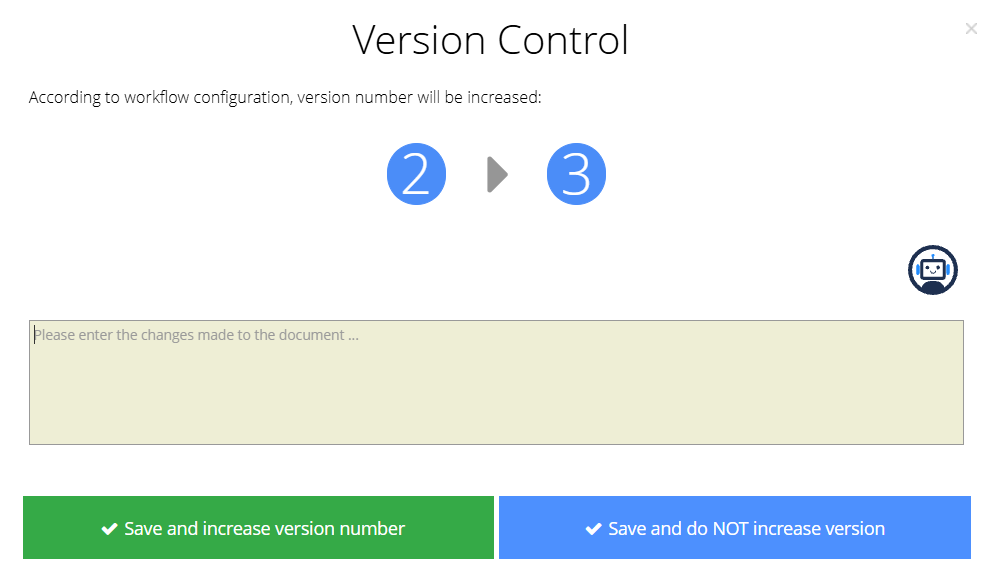
Until now, whenever a document moved from the editing step to the next step (such as verification or approval), AGIR asked whether the revision should be incremented, regardless of whether it was the first submission or a subsequent one within the same cycle.
This could lead to the revision number increasing more than once in a single cycle. To address this scenario, a new setting was created that allows the revision increment to occur only once per review cycle. Thus, if the document returns to the workflow for editing, the revision number will not be incremented again.
PERMISSIONS Only AGIR Administrators can enable or disable this setting.
This setting is enabled per workflow and can be configured according to the steps explained below:
How to prevent multiple version increases in a single document review cycle
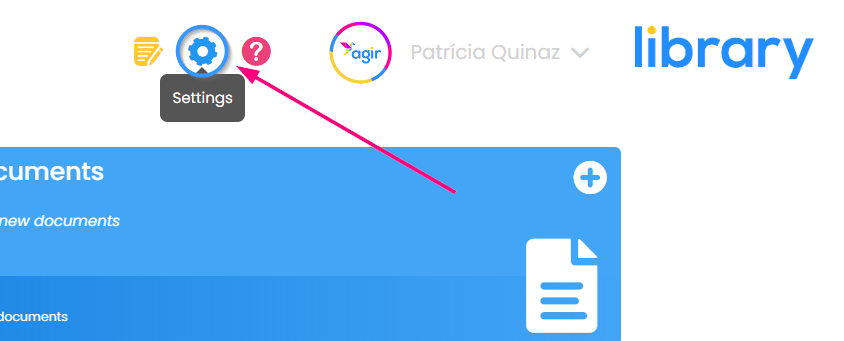
1. Go to AGIR Settings .
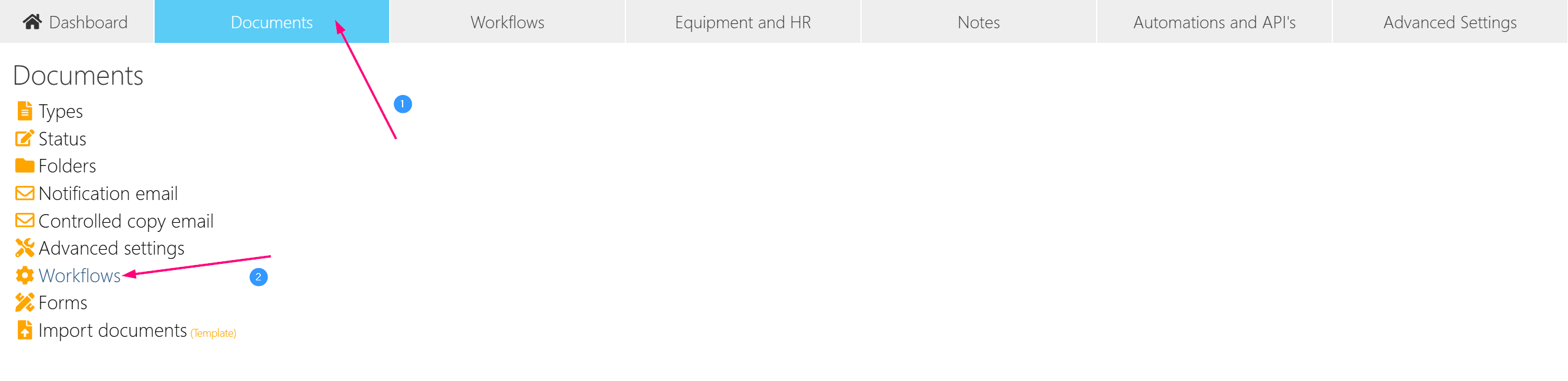
2. In the Documents tab, go to the Workflows menu.
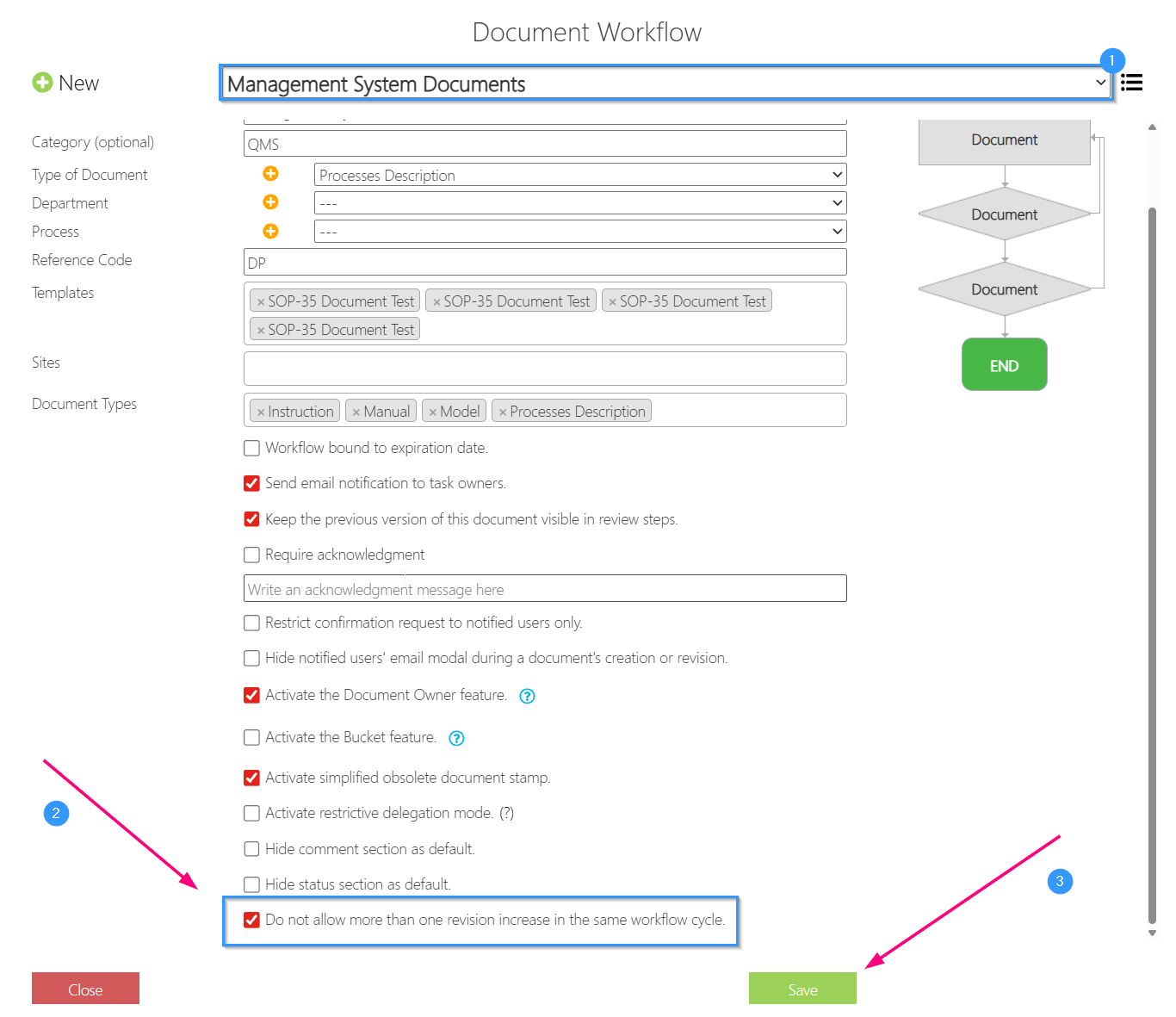
3. Select the Workflow in which you want to enable this setting. Scroll within the 1 - General Settings tab and enable the option Do not allow more than one revision increase in the same workflow cycle. Save the changes.
Was this article helpful?
That’s Great!
Thank you for your feedback
Sorry! We couldn't be helpful
Thank you for your feedback
Feedback sent
We appreciate your effort and will try to fix the article